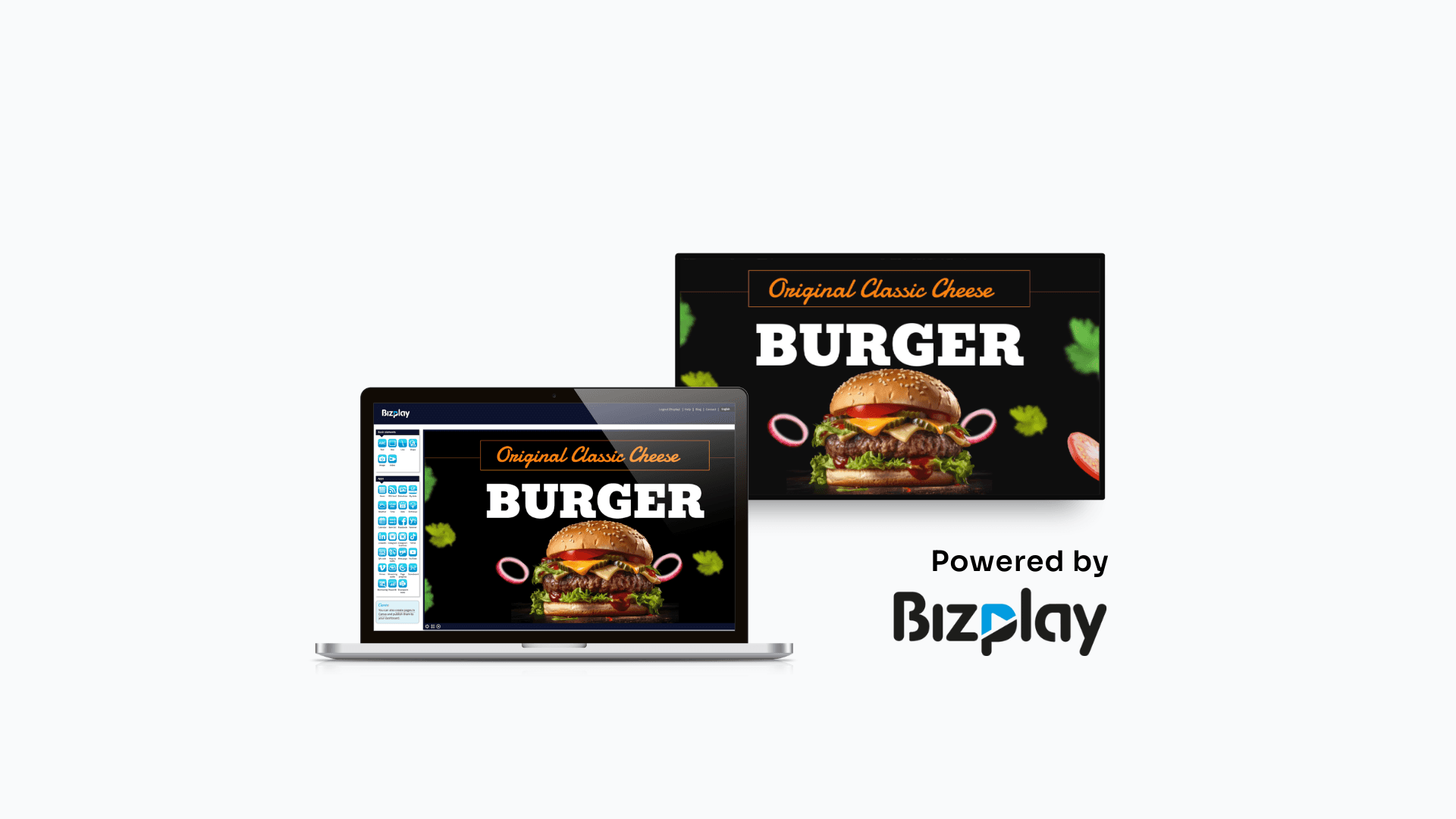

MagicINFO On-premise is being discontinued. Licence sales end on 31 Dec 2026, with support through 2029. For businesses relying on MagicINFO, this raises important questions about scaling their signage network, software maintenance, security, and long-term digital signage planning.
In this article we cover the key deadlines, what they mean for your existing screens, and how to evaluate migration options, including Bizplay, a digital signage platform that supports compatible Samsung Tizen professional displays and other supported media players.
TL;DR What does MagicInfo End of Life mean for users?
The MagicINFO End of Sale means Samsung stops selling new MagicINFO On-Premise licences on 31 December 2026. Support, including fixes and security updates, continues until 31 December 2029. Your Samsung displays do not stop working, but you cannot add licences after the sale date, and the server that controls your screens will eventually be unsupported.
Samsung MagicINFO Shutting Down: What You Need To Know
Samsung has announced that MagicINFO On-Premise licence sales will end on 31 December 2026, with End of Support scheduled for 31 December 2029. For MagicINFO Cloud, the published End of Service date is 28 February 2027.
While existing MagicINFO On-Premise installations will not automatically stop working when licence sales end, businesses will no longer be able to purchase new licences to expand their deployments under the current licensing model. This creates a challenge for organisations planning to add screens and scale their digital signage networks.
Beyond licensing, businesses also need to consider long-term software support, security, and hardware compatibility when deciding what comes next.
Bizplay offers an alternative for businesses looking to move beyond MagicINFO. Its digital signage platform supports compatible Samsung professional displays running Tizen, alongside other supported screens and media players. This flexibility can help organisations retain suitable existing hardware while transitioning to a different content management platform.
Is MagicINFO Shutting Down In 2027?
Yes, but not immediately. Samsung is retiring MagicINFO On-Premise in stages, and nothing switches off on 31 December 2026. That date is the end of sale for On-Premise licences. Existing installations keep running, and support continues until the end of 2029.
That being said, a gradual shutdown does not mean you can ignore it. Three important things you should consider:
After 31 December 2026, new MagicINFO On-Premise licence sales are scheduled to end. This may affect organisations planning to add screens, open new locations, or expand their digital signage network. The impact depends on your existing licences and deployment arrangements, so confirm your options with Samsung or your authorised partner before planning further expansion.
Security exposure is growing. A critical flaw, CVE-2025-4632, lets attackers take over a MagicINFO server without logging in, and it is actively exploited. MagicINFO 8 never got a fix, as Samsung’s last security patch for it dates from October 2023. If you still run it, upgrade to MagicINFO 9 (version 21.1052 or later) or migrate.
The end dates are fixed. So, every day you wait shortens the time you have to test, retrain and move site by site.
All of this raises valid questions. "Will our screens keep working? Which platform should we choose? What happens to our content?" These are fair worries, but the question that matters most is how to move forward. The answer is to plan your migration to another platform now, while you still have time: check which screens you have, confirm they are compatible, and choose a platform that fits your setup and needs. The sections below will walk you through it.
MagicINFO End of Sale vs. End of Support vs. End of Service: The difference.
These three terms describe different stages of a product's life, and mixing them up can lead to wrong planning decisions and migrating under pressure.
Term | What it means |
|---|---|
End of Sale (EoS) | New licences or products are no longer available for purchase under the applicable sales policy. |
End of Support | Official technical support and software maintenance end according to the vendor's policy. |
End of Service | A service or hosted environment reaches its announced service termination date. Access, data retention, and migration requirements depend on the applicable terms. |
Why the difference matters?
After EOS: existing installations keep running, but you cannot buy new On-Premise licences to add screens, sites or customers.
After End of Support: vulnerabilities, compatibility issues and bugs are no longer guaranteed to be fixed. That raises the risk for the content on your screens. You can no longer always trust the content will be displayed the way it should.
MagicINFO 8: its support status is already different. Samsung's final security patch for it was delivered in October 2023, so identify your exact version rather than assuming every installation shares one status.
MagicINFO End-Of-Sale And End-Of-Support Dates
Date | What happens | What it means for you |
|---|---|---|
October 2023 | Last security patch for MagicINFO 8 | MagicINFO 8 servers are already unsupported. |
31 December 2026 | End of sale for MagicINFO On-Premise licenses (the MagicINFO EOS 2026 date) | No new licences for new screens, sites or customers |
28 February 2027 | End of service for Samsung-hosted MagicINFO Cloud (per Samsung documentation) | Affected customers should confirm service termination, data export, and migration arrangements. |
2027 onward | Samsung sells VXT only | VXT becomes Samsung's primary digital signage platform |
31 December 2029 | MagicINFO On-Premise End of Support | Official technical support is scheduled to end. This means no more fixes or security updates. |
Sources: Samsung VX documentation and Samsung MagicINFO end-of-life page.
Who Is Affected By The MagicINFO End Of Support?
The impact depends on which version of MagicINFO you use and how your digital signage system is hosted.
MagicINFO 8 On-Premise users: The MagicINFO 8 software's maintenance period has already ended, making this the most urgent situation to address. Review your security exposure and migration options, including an upgrade to MagicINFO 9 or a move to another platform.
MagicINFO 9 On-Premise users: You have until the scheduled end of support in 2029, but new licence sales are due to end in December 2026. If you plan to add screens or open new locations, start evaluating alternatives.
Samsung-hosted MagicINFO Cloud users: The announced End of Service date is 28 February 2027. Confirm how this affects your account, content, and migration timeline directly with Samsung.
Businesses using partner-hosted MagicINFO: Your timeline may depend on your hosting agreement. Ask your provider to confirm the applicable end date, support arrangements, and migration options in writing.
AV integrators, resellers, and service providers: Customers will need help assessing their existing installations, choosing replacement platforms, checking hardware compatibility, and planning migrations. That is a chance to take on new work. Learn more about the Bizplay affiliate program or whitelabel options, or get in touch to talk through how migration projects would work for your customers.
What migration paths do Samsung and its partners point to?
If you're running MagicINFO On-Premise, you are being nudged toward three routes. The right choice depends on your existing hardware, how much change your team can manage, and whether you want to stay with Samsung's ecosystem or move to a more flexible platform.
Move to Samsung VXT
Samsung VXT is Samsung's newer primary cloud-based digital signage platform. Samsung offers a VXT CMS Transformer to help migrate supported content, playlists, and settings from MagicINFO to VXT. Check compatibility and technical requirements before migrating, as content and workflows may need adapting to VXT's interface, features, and licensing model.
Use a partner-hosted MagicINFO Server
Some providers offer hosted MagicINFO, so you can keep using the familiar platform without managing your own server. But this is a temporary solution, not a long-term fix. You’re still relying on a platform approaching End of Support, meaning you’ll need to plan another migration down the line.
Partner-built alternative platforms
Moving away from MagicINFO is an opportunity to choose a platform that better suits your future needs. Some providers, such as Bizplay, offer alternatives designed to help existing MagicINFO users transition with less disruption to their familiar workflows.
Bizplay takes a broader approach, offering cloud-based digital signage management for compatible Samsung Tizen displays and other supported screens and media players. This makes it worth considering if you want greater flexibility when choosing hardware for your digital signage network.
Why consider Bizplay as a MagicINFO alternative?
If you're considering moving away from MagicINFO, you need a platform that fits your business without making migration more complicated than it needs to be. That's where Bizplay comes in. Trusted by thousands of organizations, Bizplay combines an easy-to-use CMS with simple setup and hands-on support to help your team get started without a steep learning curve. With the flexibility to use compatible existing hardware and scale as your business grows, switching to a new digital signage platform can be a much smoother process.
Keep using your existing Samsung hardware
Bizplay offers a dedicated app for Samsung Tizen displays, so you may not need an additional media player. Our platform also supports a wide range of hardware, including Chromebox devices running ChromeOS, Raspberry Pi 5, Windows Mini PCs, Android displays, Samsung Tizen, LG webOS, BrightSign players, and Linux devices. You can even play content directly through a web browser, giving your team the flexibility to manage different screens through one CMS.
How does Bizplay compare to MagicINFO On-Premise?
Feature | Samsung's MagicINFO On-premise | Bizplay |
|---|---|---|
Hosting and maintenance | Your own server, which your IT team installs, patches and backs up | Cloud-based CMS, with no server of your own to install or patch. Always up-to-date with the latest security patches. |
Hardware compatibility | Designed primarily for compatible Samsung professional displays using SSSP/Tizen. | Supports compatible Samsung Tizen displays, LG webOS, Android, Windows, Linux, ChromeOS, Raspberry Pi, BrightSign and anything else that runs a web browser. |
Security | User management and security depend on your MagicINFO version, server configuration, and maintenance. | Offers role-based access, two-factor authentication, Google and Microsoft sign-in, and playback restrictions for registered devices. |
Access | Access through your server and network configuration. | Access from any browser from wherever you work |
Data protection | Your organisation manages server security and data protection responsibilities. | European based and GDPR compliant. |
Content creation | Drag-and-drop editor | Drag-and-drop editor, ready-made templates, and customisation options for your brand, including colours, fonts, and house style. |
Apps and integrations | Add-ons and widgets | 70+ integrations, including social media, calendars, Power BI, Canva, and weather, plus custom apps. |
Offline playback | Supports local content playback, depending on player configuration. | Caches content locally so screens can keep playing when the internet connection drops |
Scaling your network | Expansion depends on available licences; new On-Premise licence sales are scheduled to end on 31 December 2026. | Manage all screens from one platform and easily add displays as your business grows, from one screen to large deployments. |
Support | Samsung or authorised Samsung partner | Help centre, onboarding videos, live chat, and email support. |
Trial | - | 14-day free trial, with no credit card required. |
Check our full feature list here.
How Bizplay Makes Switching From MagicINFO Easier
Switching from MagicINFO doesn't have to mean starting from scratch. With Bizplay, you can keep compatible Samsung Tizen displays and make digital signage easier to manage.
Keep your existing screens. Use compatible Samsung Tizen displays without an extra media player.
No server or patching headaches. Bizplay manages the cloud platform, so your team doesn't have to maintain a signage server or handle its software updates.
Create content easily. Use drag-and-drop editing, ready-made templates, and your own brand colours and fonts.
Manage every screen in one place. Update content remotely and add screens as your business grows.
Get hands-on support. Help is available to get your team set up and make the migration easier.
The result? Less IT overhead, more hardware flexibility, and a digital signage platform that's easier for your team to manage.
MagicINFO Migration Checklist
Audit your current setup
List every screen: model, location, orientation and Tizen version.
Check each display is a Samsung professional display. Bizplay's Tizen app runs on professional displays, not consumer TVs.
Confirm your MagicINFO version (8 or 9) and hosting: on-premise, Samsung-hosted cloud or partner-hosted. MagicINFO 8 has had no security patches since October 2023, so treat it as urgent.
Note what you rely on today: video walls, data feeds and widgets, remote control, user roles, integrations.
Mark any screens that cannot run the app. These need a supported player instead (Chromebox, Raspberry Pi 5, Windows mini PC, Android, BrightSign or Linux), or a web browser.
Set your timeline and owners (For larger networks)
Work backwards from the key dates above.
Name one project owner, plus IT and content contacts for each site.
Decide whether you will add screens or sites in 2027. That determines how urgent this is.
Set up your Bizplay account (parallel with step 4)
Set up your users and permission levels: role-based access, two-factor authentication, and Google or Microsoft sign-in.
Use the help centre, onboarding videos and live chat to get your team started.
Back up your content
Export your assets from MagicINFO: videos, images, playlists and schedules. Screenshot your layouts and zones.
Decide what to move and what to retire. Migration is a good moment to drop outdated content.
Rebuild layouts with the drag-and-drop editor or a ready-made template, using your brand colours and fonts.
Recreate playlists, channels and schedules.
Replace MagicINFO widgets and data feeds with Bizplay integrations (social media, calendars, Power BI, weather and more).
Keep in mind that Tizen displays have some limits on what they can play, so check your content on a real screen.
Run a pilot on a few screens
Pick two or three screens across different locations and models.
Install the Bizplay app on each display via the Tizen URL Launcher or Custom App option, then register it with your account on the registration page.
Check the app starts automatically when the display is switched on. Test that content plays correctly, and screens keep playing when the internet drops (Bizplay caches content locally).
Roll out in stages
Migrate site by site, at quiet times for each location.
Keep MagicINFO available for each site until all screens are up and running. This is your rollback plan.
Restrict playback to registered devices and check that every screen is online in Bizplay.
Close MagicINFO
Once the last screen has moved and your backups are confirmed, take the old server off the network. Do not leave it running unpatched.
Revoke credentials and API keys, and remove firewall rules that exposed the server. Archive or securely wipe the data in line with your retention policy.
Cancel any related licences
SHARE ON SOCIAL MEDIA