Search…
  • EN

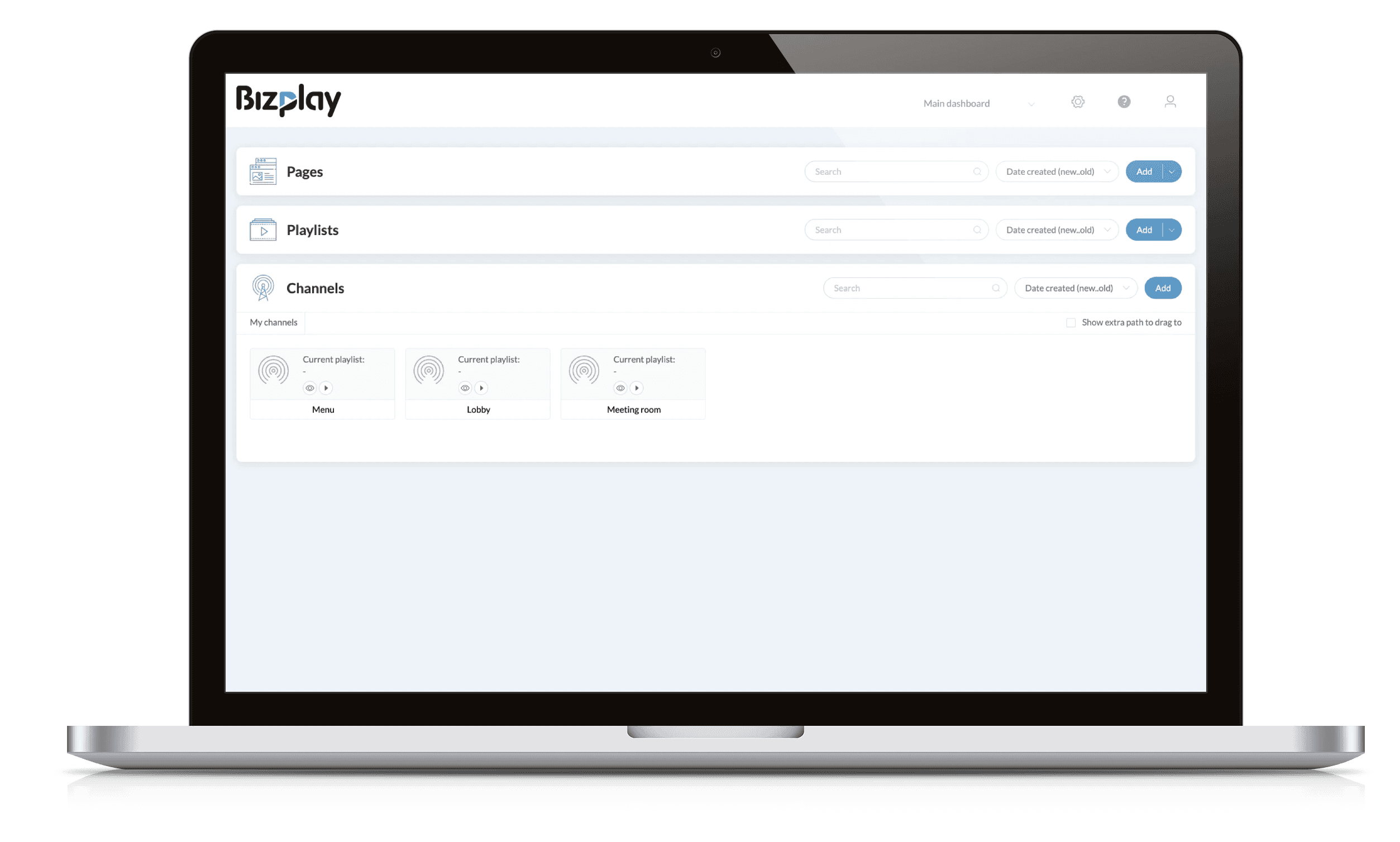
Mock up of Bizplay digital signage channels
Channels

Go Live With Digital Signage Channels

Go Live With Digital Signage Channels

Turn your playlists into live digital signage channels and share engaging content across any screen or browser.

Turn your playlists into live digital signage channels and share engaging content across any screen or browser.

▶️ Publish A Playlist With One Drag 'n Drop

Turn your playlists into a live, TV-style channel with just a drag and drop. Schedule content by date, time, or day of the week to ensure the right message plays at the right moment, delivering dynamic, engaging digital signage across all your screens.

▶️ Publish A Playlist With One Drag 'n Drop

Turn your playlists into a live, TV-style channel with just a drag and drop. Schedule content by date, time, or day of the week to ensure the right message plays at the right moment, delivering dynamic, engaging digital signage across all your screens.

Automated Scheduling

Add one or multiple playlists to a channel in just a few clicks.

Universal Playback

Play your channel on any screen or web-enabled device.

Bizplay digital signage software dashboard showing channel scheduling, playlists, time-based programming

⏰ Full control with scheduling

Take full control over when and how your playlists play. Schedule content with precise timing: choose continuous or occasional playback, set intervals or repeat content a specific number of times, and assign exact start and end times. For example, show a lunch menu playlist on weekdays from 11 AM to 2 PM, or run a holiday promotion playlist throughout December.

⏰ Full control with scheduling

Take full control over when and how your playlists play. Schedule content with precise timing: choose continuous or occasional playback, set intervals or repeat content a specific number of times, and assign exact start and end times. For example, show a lunch menu playlist on weekdays from 11 AM to 2 PM, or run a holiday promotion playlist throughout December.

Playback modes

Continuous vs. Occasional Playback: distinguishing between content that runs nonstop versus content that plays at specific intervals.

Repeat and time-block scheduling

Allow content to repeat a certain number of times or play within defined time blocks starting at a set moment.

🖥️ Share your channel everywhere

Your channel runs in a web browser, making it easy to share it via email or embed it in a website or as part of a social media post. Shared views run for 30 minutes without affecting your screen licenses. You can also run a Bizplay channel as a screensaver on Windows computers, an effective way to display internal communications throughout the office.

🖥️ Share your channel everywhere

Your channel runs in a web browser, making it easy to share it via email or embed it in a website or as part of a social media post. Shared views run for 30 minutes without affecting your screen licenses. You can also run a Bizplay channel as a screensaver on Windows computers, an effective way to display internal communications throughout the office.

Easy sharing

Send your channel link in seconds and start streaming immediately.

Instant previews

See how your content looks before going live. No extra screens required.

Digital signage channel playback options showing device registration, web browser playback, and shareable channel links.

Launch Your Digital Signage Channel

Easily turn your playlists into a live digital signage channel, ready to stream on any screen or web browser. No technical setup required.

  • 1. Digital signage content template highlighting customizable screen communication.
  • 1. Digital menu board featuring a pizza promotion for restaurants and food service.
  • Digital menu board displaying burgers, coffee, crispy chicken and other food items with prices.
  • Digital menu board promoting matcha iced lattes with product imagery and order call to action.
  • Digital welcome screen for vacation rentals displaying guest information, Wi-Fi QR code and weather.
  • Digital wayfinding directory showing directions to offices, reception, cafeteria and facilities.
  • Healthcare digital signage template featuring doctors and patient communication.
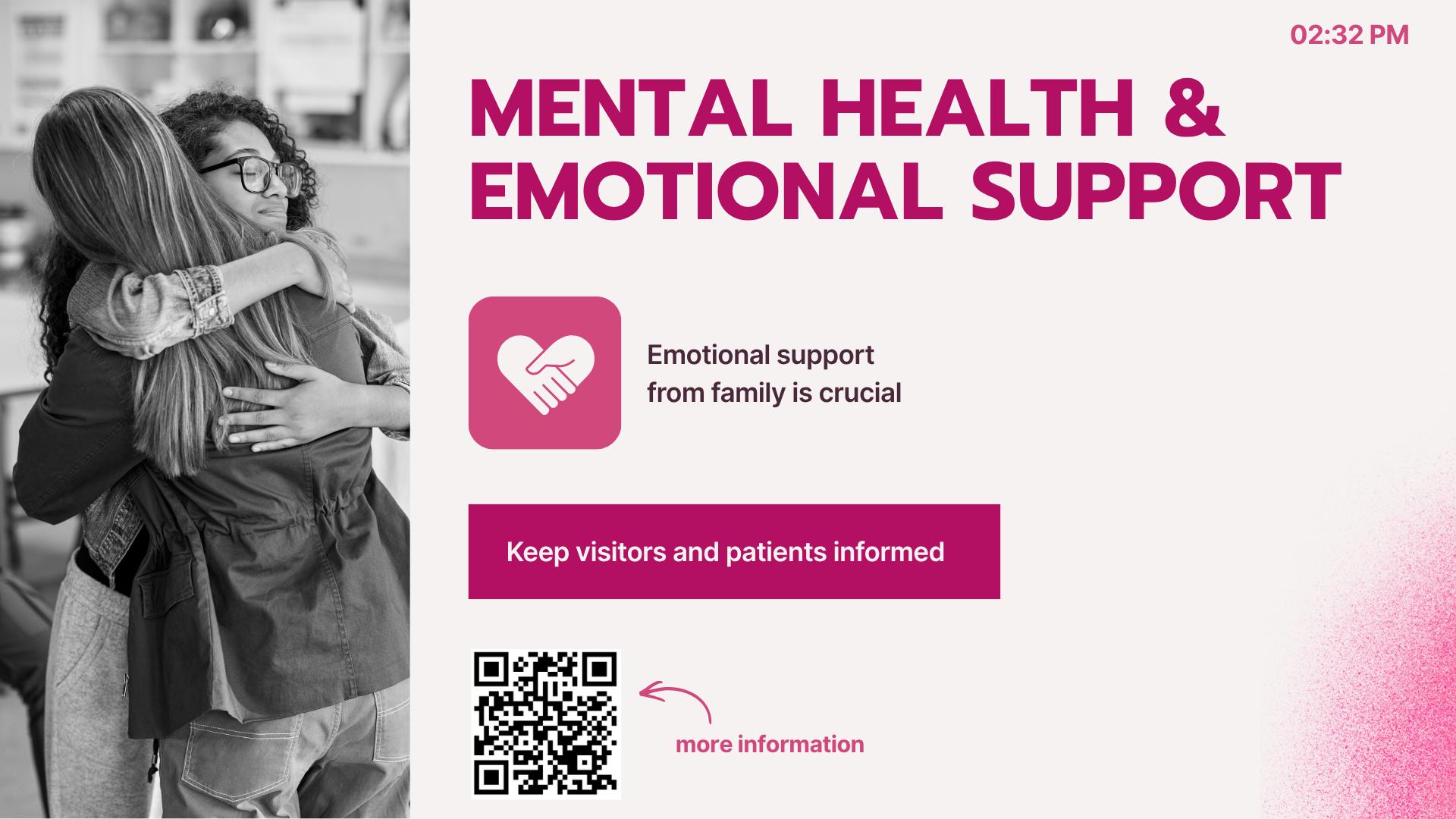
  • Digital signage screen for healthcare displaying mental health and emotional support information for patients and visitors
  • Workplace digital signage template promoting employee safety and operational communication.
  • Workplace safety digital signage template for communicating safety information to employees.
  • Digital signage for education featuring a university campus and branded communication screen.
  • University digital signage with campus map, student information and wayfinding directions.
  • Digital signage for fitness centers and gyms featuring a woman working out with weights.
  • Gym digital signage screen displaying fitness membership plans and pricing.
  • Grocery store digital signage template featuring fresh food and retail branding.
  • Retail digital signage template promoting products, sales and product information
  • Black Friday digital signage template promoting a special retail sale
  • Hotel digital signage welcome screen displaying guest Wi-Fi information, QR code and local weather.
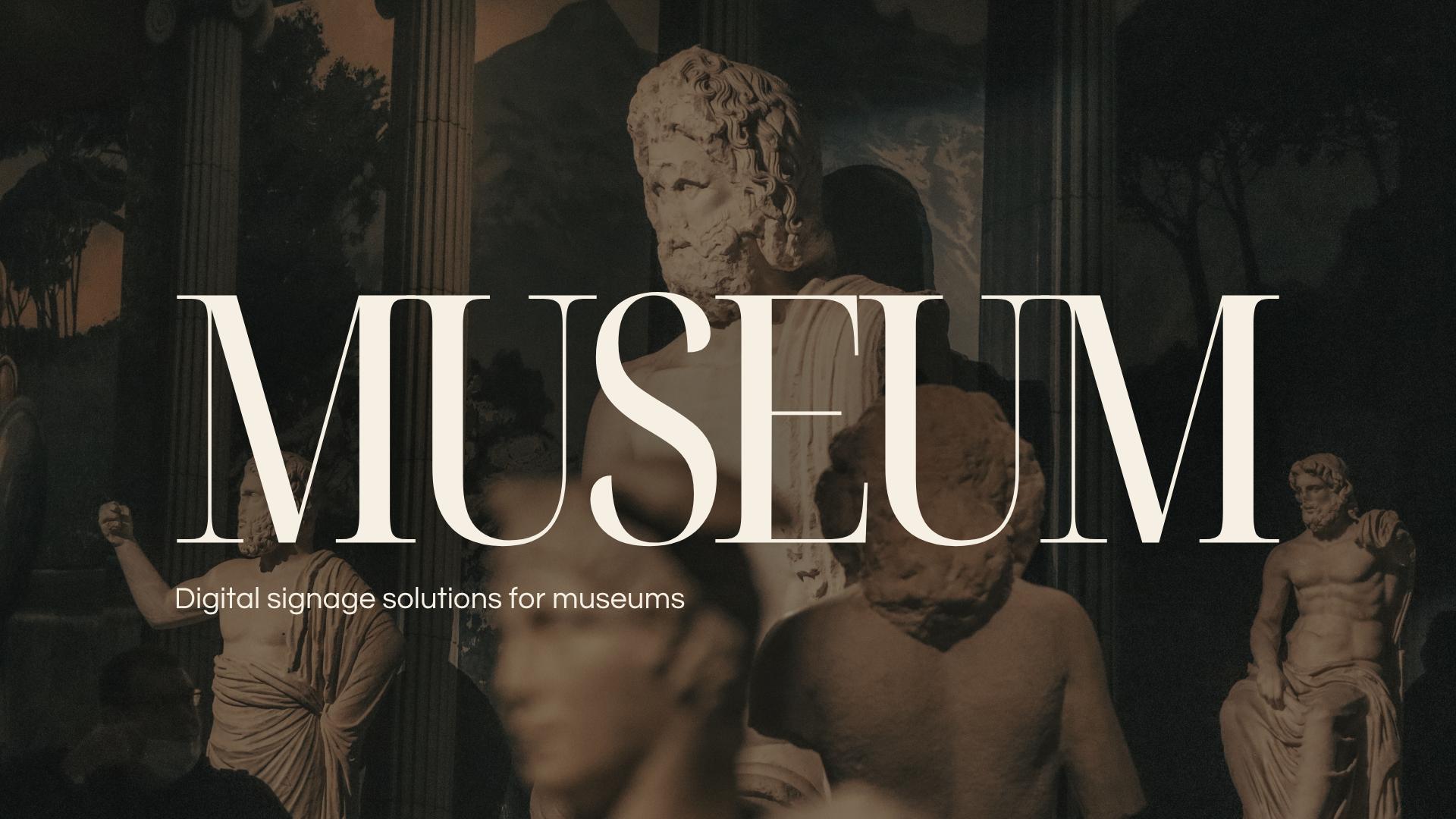
  • Museum digital signage template featuring artwork and visitor information.
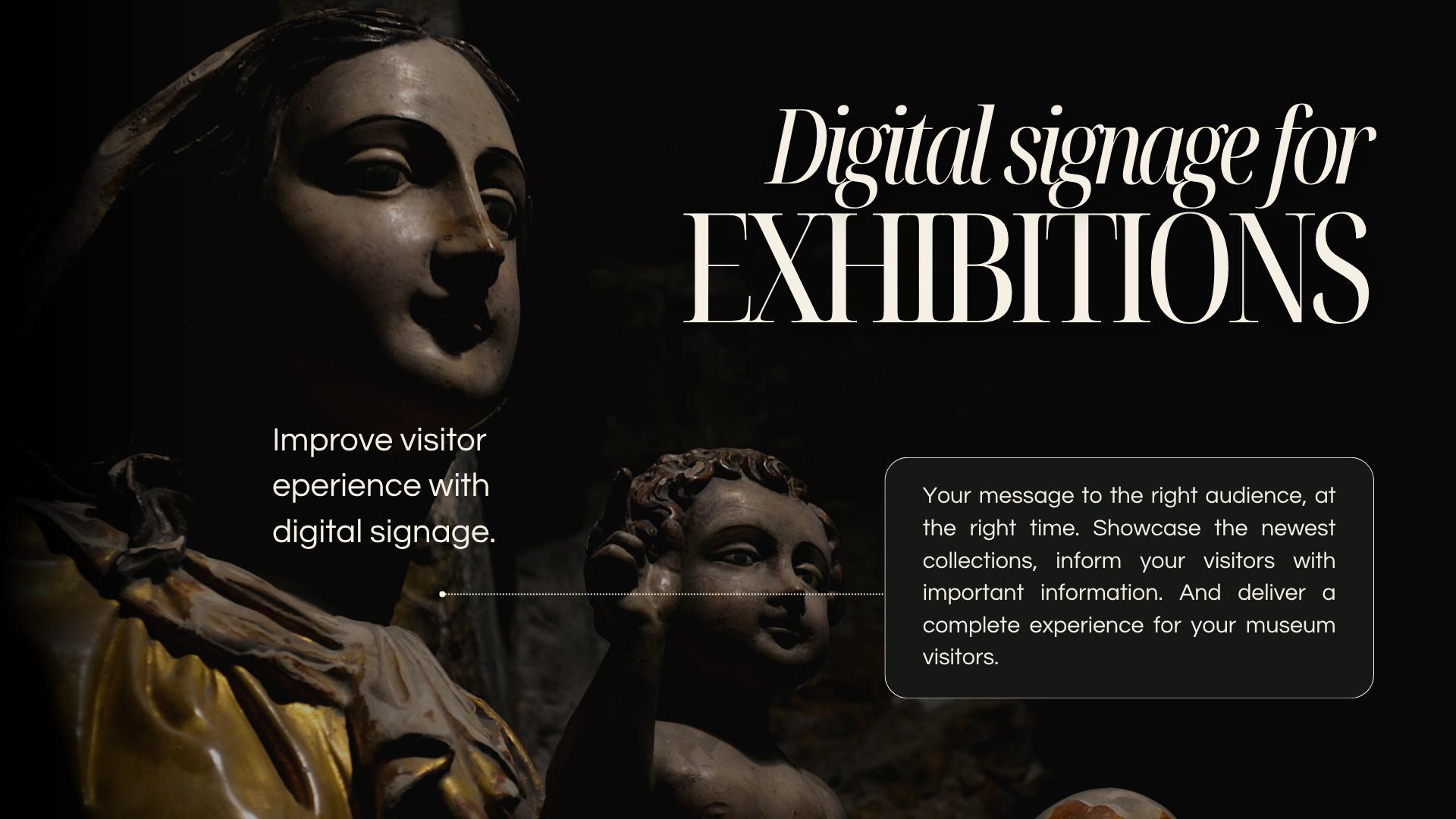
  • Digital signage for exhibitions and museums designed to inform visitors and showcase collections.
  • Bizplay digital signage software for easy screen content creation and management

Launch Your Digital Signage Channel

Easily turn your playlists into a live digital signage channel, ready to stream on any screen or web browser. No technical setup required.

  • 1. Digital signage content template highlighting customizable screen communication.
  • 1. Digital menu board featuring a pizza promotion for restaurants and food service.
  • Digital menu board displaying burgers, coffee, crispy chicken and other food items with prices.
  • Digital menu board promoting matcha iced lattes with product imagery and order call to action.
  • Digital welcome screen for vacation rentals displaying guest information, Wi-Fi QR code and weather.
  • Digital wayfinding directory showing directions to offices, reception, cafeteria and facilities.
  • Healthcare digital signage template featuring doctors and patient communication.
  • Digital signage screen for healthcare displaying mental health and emotional support information for patients and visitors
  • Workplace digital signage template promoting employee safety and operational communication.
  • Workplace safety digital signage template for communicating safety information to employees.
  • Digital signage for education featuring a university campus and branded communication screen.
  • University digital signage with campus map, student information and wayfinding directions.
  • Digital signage for fitness centers and gyms featuring a woman working out with weights.
  • Gym digital signage screen displaying fitness membership plans and pricing.
  • Grocery store digital signage template featuring fresh food and retail branding.
  • Retail digital signage template promoting products, sales and product information
  • Black Friday digital signage template promoting a special retail sale
  • Hotel digital signage welcome screen displaying guest Wi-Fi information, QR code and local weather.
  • Museum digital signage template featuring artwork and visitor information.
  • Digital signage for exhibitions and museums designed to inform visitors and showcase collections.
  • Bizplay digital signage software for easy screen content creation and management

Launch Your Digital Signage Channel

Easily turn your playlists into a live digital signage channel, ready to stream on any screen or web browser. No technical setup required.

  • 1. Digital signage content template highlighting customizable screen communication.
  • 1. Digital menu board featuring a pizza promotion for restaurants and food service.
  • Digital menu board displaying burgers, coffee, crispy chicken and other food items with prices.
  • Digital menu board promoting matcha iced lattes with product imagery and order call to action.
  • Digital welcome screen for vacation rentals displaying guest information, Wi-Fi QR code and weather.
  • Digital wayfinding directory showing directions to offices, reception, cafeteria and facilities.
  • Healthcare digital signage template featuring doctors and patient communication.
  • Digital signage screen for healthcare displaying mental health and emotional support information for patients and visitors
  • Workplace digital signage template promoting employee safety and operational communication.
  • Workplace safety digital signage template for communicating safety information to employees.
  • Digital signage for education featuring a university campus and branded communication screen.
  • University digital signage with campus map, student information and wayfinding directions.
  • Digital signage for fitness centers and gyms featuring a woman working out with weights.
  • Gym digital signage screen displaying fitness membership plans and pricing.
  • Grocery store digital signage template featuring fresh food and retail branding.
  • Retail digital signage template promoting products, sales and product information
  • Black Friday digital signage template promoting a special retail sale
  • Hotel digital signage welcome screen displaying guest Wi-Fi information, QR code and local weather.
  • Museum digital signage template featuring artwork and visitor information.
  • Digital signage for exhibitions and museums designed to inform visitors and showcase collections.
  • Bizplay digital signage software for easy screen content creation and management
Touch screen navigation kiosk displaying an interactive art collection, allowing visitors to browse content with intuitive on-screen controls.

👉 Touch Navigation

Enable forward/backward navigation on touch screens to give your viewers full control over playback. Whether it’s a kiosk, a retail display, or an interactive info screen, users can easily navigate through playlists at their own pace, making your digital signage more engaging and interactive.

👉 Touch Navigation

Enable forward/backward navigation on touch screens to give your viewers full control over playback. Whether it’s a kiosk, a retail display, or an interactive info screen, users can easily navigate through playlists at their own pace, making your digital signage more engaging and interactive.

Interactive control

Enable Touch Screen mode. Perfect for kiosks, retail displays, or any touch-enabled screen.

User-friendly experience

Let your viewers interact directly with your content for a hands-on, more informative experience.

No credit card required.